0%

Dumi Download for Mac

A to-do list that lives
in your notch.

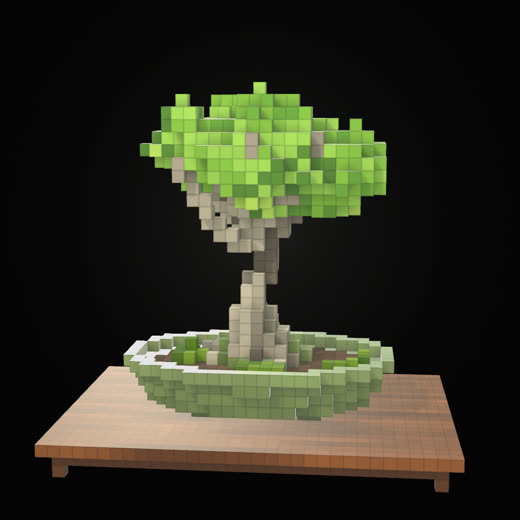
Tick a task off and a voxel bonsai grows beside it. Quiet, one keystroke away, and it never leaves the top of your screen.

Download for macOS

Free · version 1.0 · 1.2 MB · Apple silicon · macOS 14+

Not notarized yet, so macOS refuses it once: System Settings → Privacy & Security → Open Anyway. Or in Terminal: xattr -cr /Applications/Dumi.app

Point at it.

It opens. Everything's right there.

Tick one off.

+4 cubes, one at a time.

It only grows when you do.

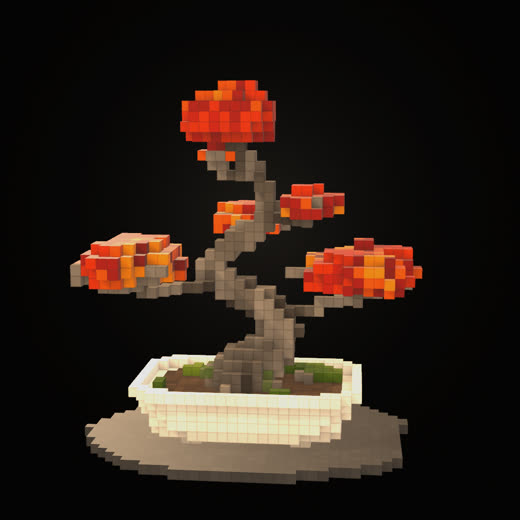
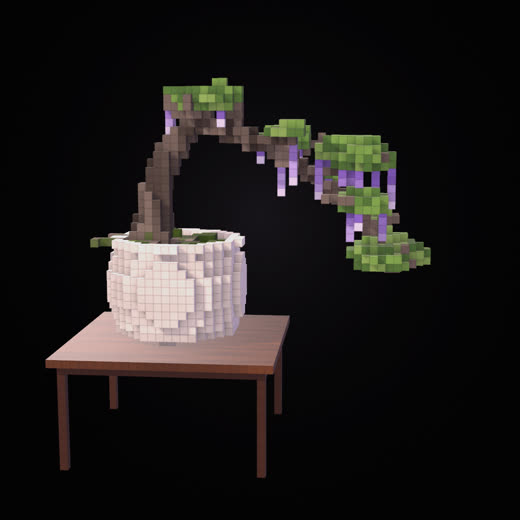
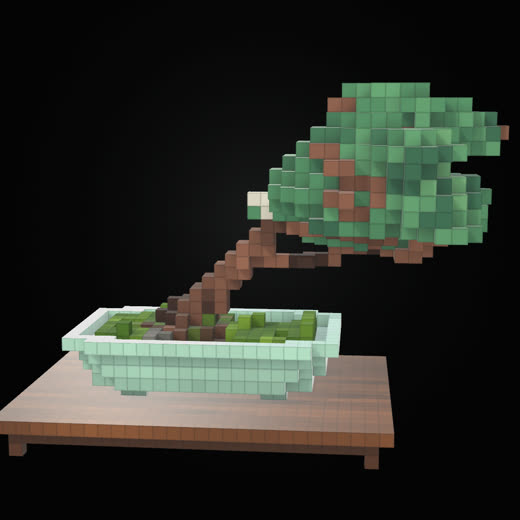
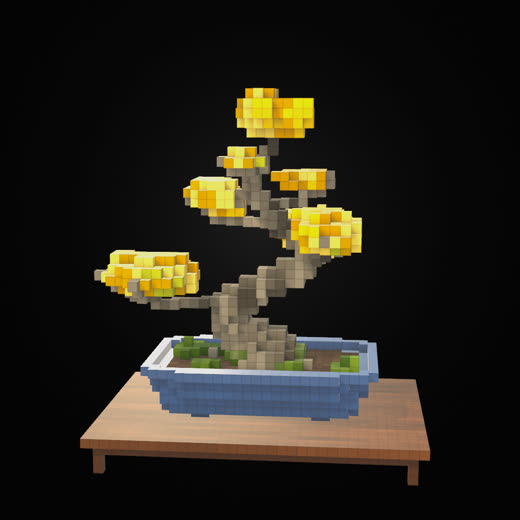
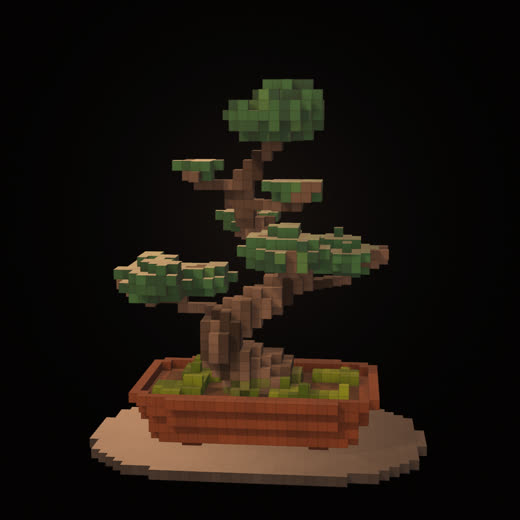
Every tree you grow stays.New seedlings unlock at 50, 150, 300, 500 cubes…

Start a pomodoro.

It folds into the notch
and keeps ticking.

And it keeps score.
1cubes

Why a tree

Slow on purpose.

A bonsai takes years. Yours grows one cube at a time, from the things you actually finish — and from nothing else.

  1. Add a task.+1 cube. Writing it down counts for something.
  2. Finish it.+2 to 4 cubes, on the spot, while you watch.
  3. Keep going.At 50, 150, 300, 500 cubes… a new seedling unlocks. You pick it by hand from the nursery.
  4. Miss a week.It waits. Nothing you grew is ever taken away — old trees stay in the garden at exactly the size you left them.

Seven species.
No two alike.

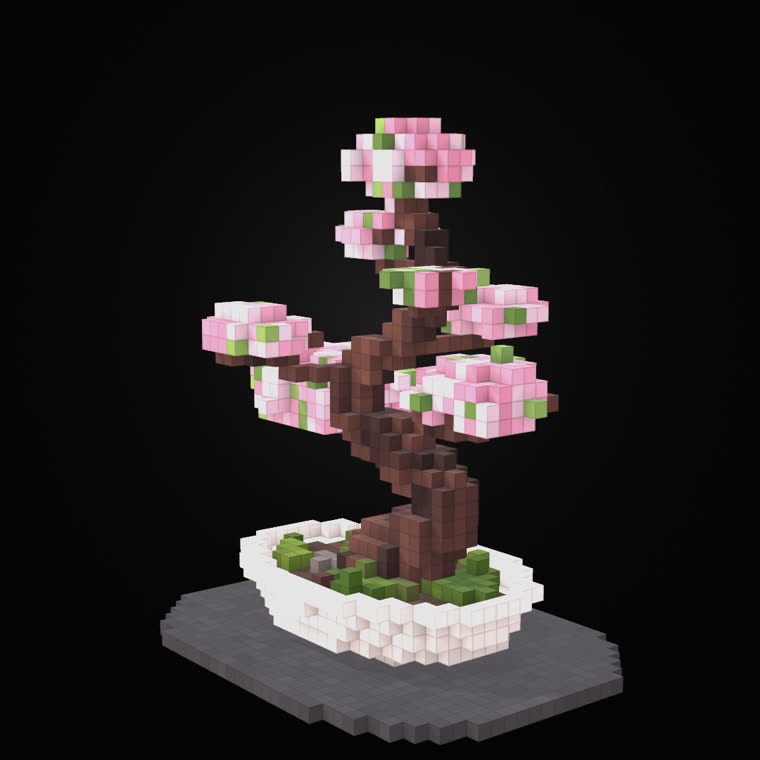
Grown in chokkan, moyogi, shakan — the classical forms — by the app's own voxel engine. The sakura is the one you just watched grow.

Quiet by design

Out of the way,
until you need it.

⌥ Space from anywhere
The island opens with the cursor already in Add a task, whatever you're in the middle of.
Lists, the way you'd expect
Several lists, a Starred view, subtasks, notes, due dates, drag to reorder, sort by date, undo.
No Dock icon, no window
Click outside and it folds back into the notch. Esc steps you back out of wherever you are.
One file, on your Mac
No account, no server, no analytics. Dumi makes no network requests at all.

Thirty seconds of it.

Every frame is the real app, recorded on a Mac — including everything you just scrolled through.

What does it cost?
Nothing while it's in the making.
Which Macs?
Apple silicon, macOS 14 or later. A notch is not required — on Macs without one, the island hangs from the top of the screen just the same.
Where do my tasks live?
In a single file, at ~/Library/Application Support/Dumi.
Does it sync with other to-do apps?
Not yet. Google Tasks sync is the most likely next step.
Can my AI agent use it?
Yes. Everything is one JSON file; an agent reads it, adds or completes tasks, writes it back, and Dumi picks the change up within a second — the bonsai grows from the agent's finished tasks too. The instructions for agents fit on one page.

Get things done.
Grow a bonsai.

Download for macOS

Version 1.0 · 1.2 MB · Apple silicon · macOS 14 or later · free

Not notarized yet, so macOS refuses it once: System Settings → Privacy & Security → Open Anyway. Or in Terminal: xattr -cr /Applications/Dumi.app